One-liner
OneStore — the unified App Store + Google Play editor: metadata, assets, and releases from a single form.
Media kit
Logos, colors, social covers, and type for talking about OneStore — articles, partners, press.
Last updated: June 1, 2026
Copy-paste as-is into an article, release, or product sheet. Trim to fit the format.
OneStore — the unified App Store + Google Play editor: metadata, assets, and releases from a single form.
OneStore is the unified editor for the App Store and Google Play. Mobile teams enter title, descriptions, keywords, and screenshots once; OneStore enforces character limits, resizes visuals, and syncs both stores. Metadata, binaries (.ipa / .aab), releases, and review replies — no double entry, no native consoles. Built in Paris by Karei Studio.
The mark is two offset squircles: filled back layer, outlined front. Do not stretch, recolor, or alter proportions outside this page.
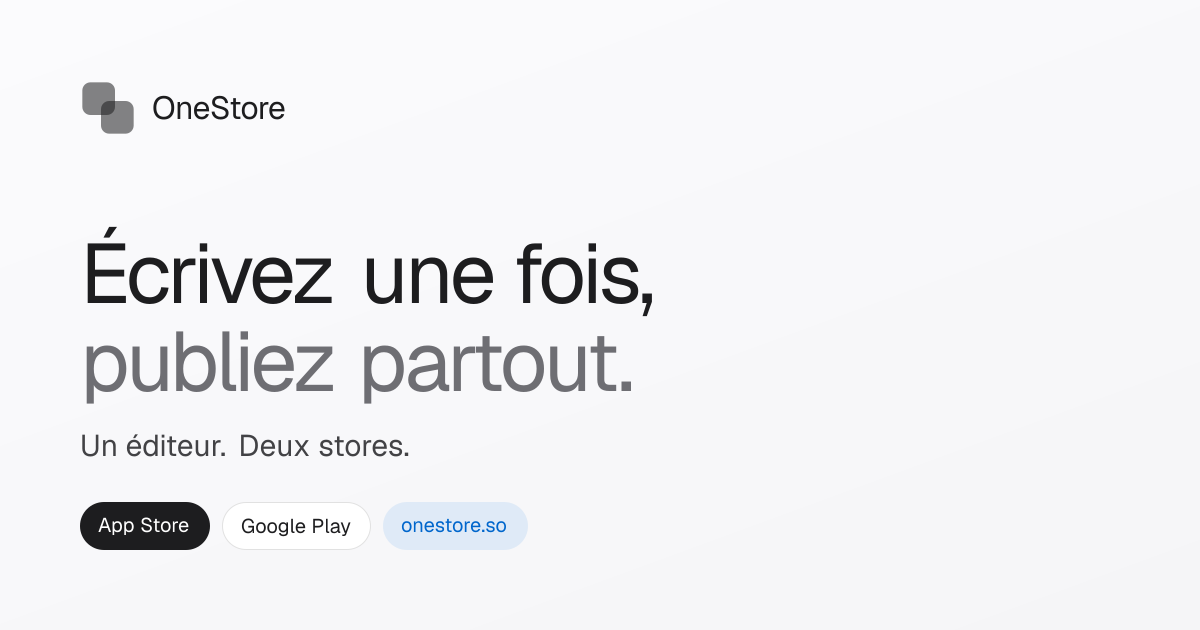
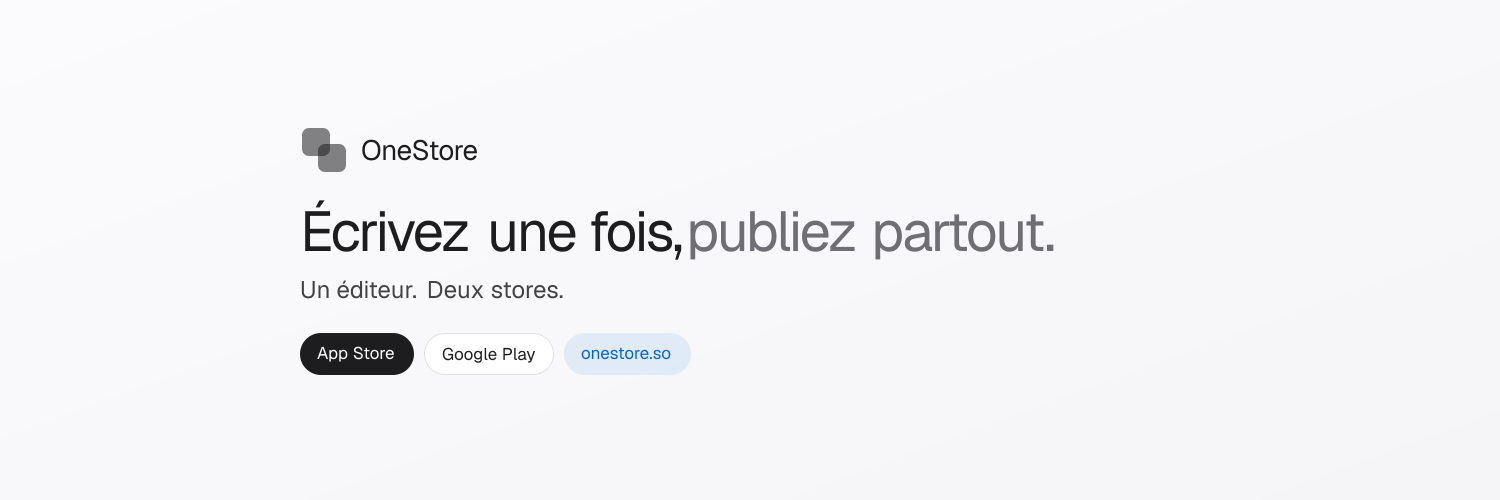
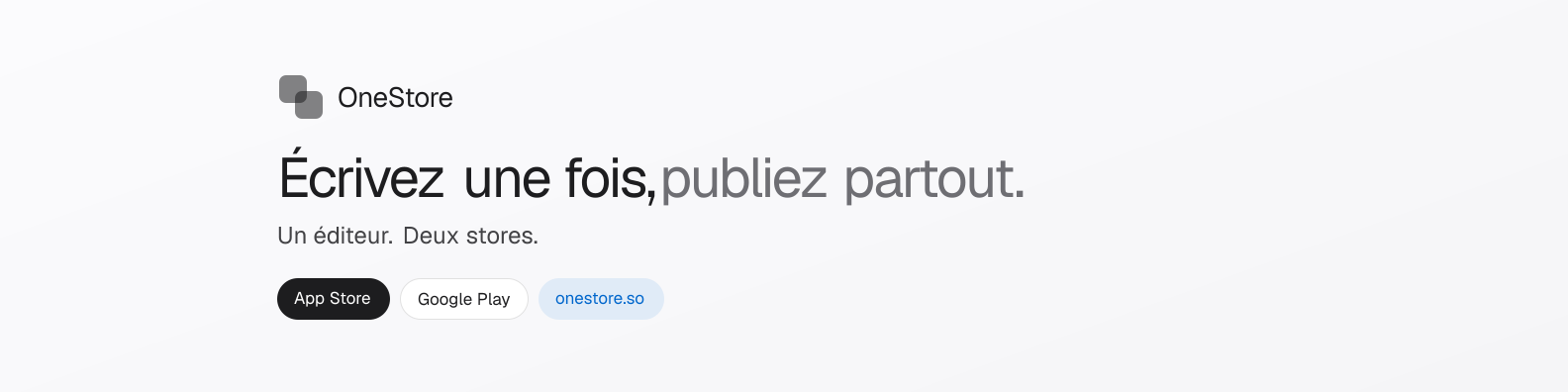
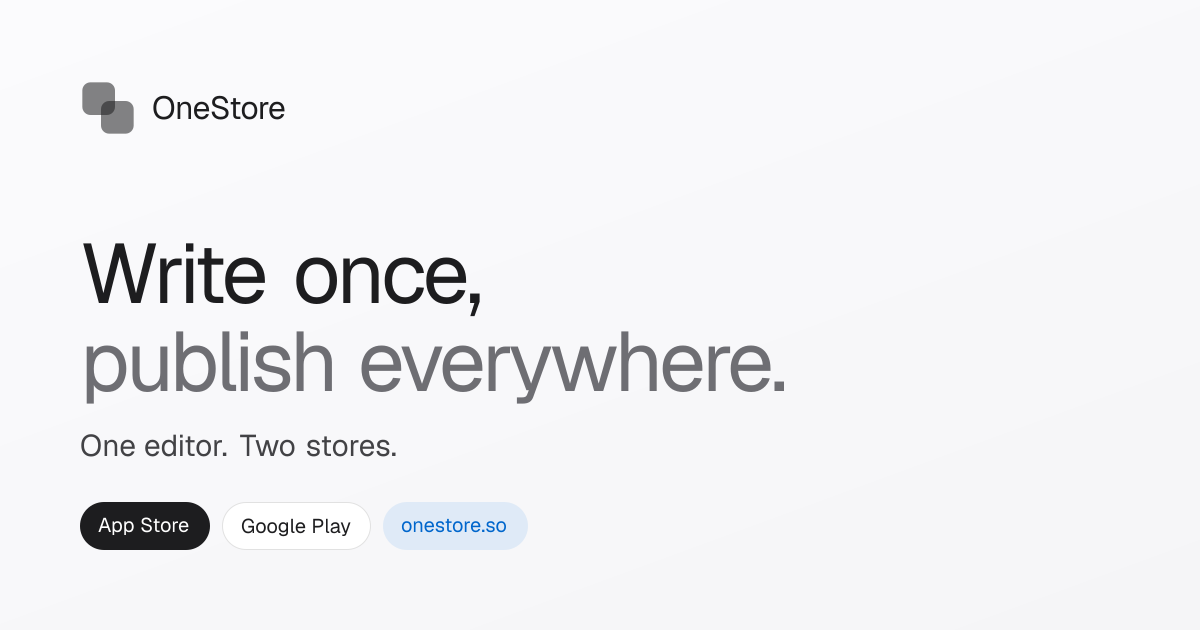
Ready-to-use visuals for link previews, X headers, and LinkedIn pages. Same look as the site — logo, tagline, and store badges. FR and EN versions.
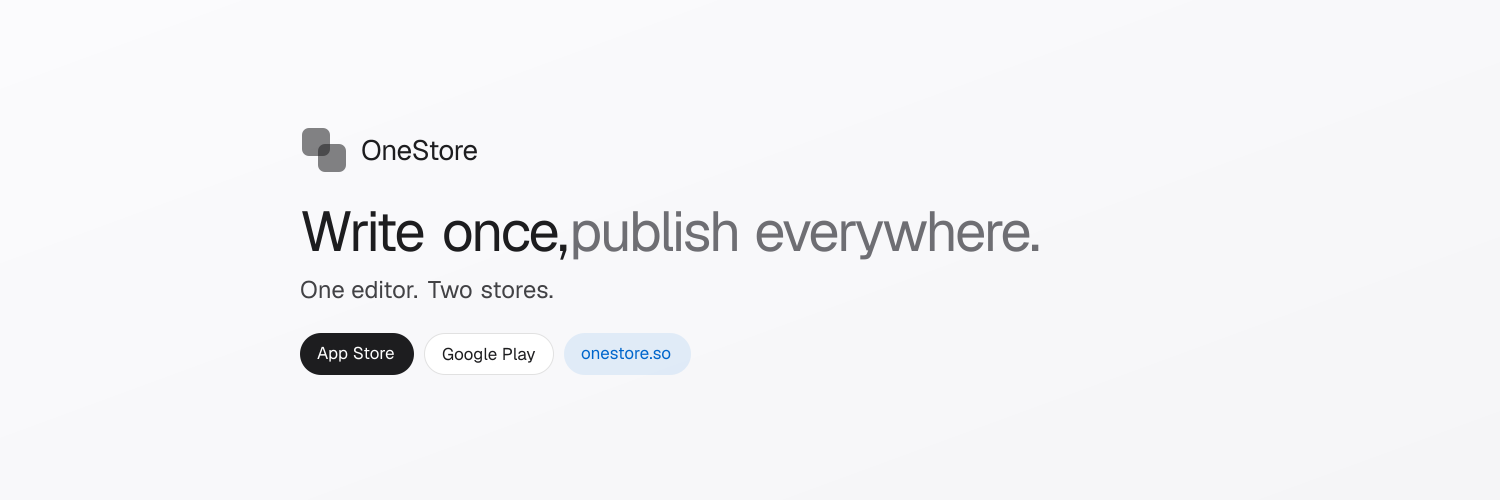
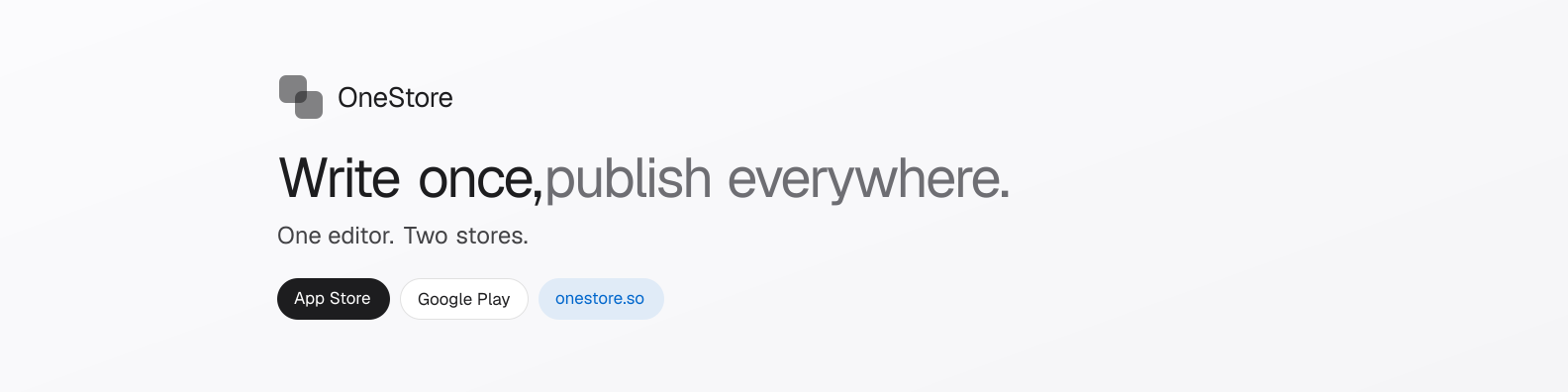
Restrained ink palette and neutral surfaces. No gradients or saturated accents on official materials.
Manrope for UI and marketing. Inter is legacy dashboard fallback only — prefer Manrope in OneStore visuals.
Write once, publish everywhere.
OneStore unifies App Store and Google Play in one editor — metadata, assets, and releases without double entry.
Quick reference when placing OneStore in a slide, partner banner, or co-branded mockup.
28pxCards, marketing panels
36pxHero, large visual blocks
9999pxButtons, badges, tags
0 8px 24px −8px rgba(0,0,0,.18)Primary ink CTA
Need extra assets, a quote, or demo access? Email us — we reply within 2 business days.
support@onestore.so